Thank you! We'll get back to you within two business days.
Something went wrong. Please try again or email us at hello@bluedynamic.cz.
Business Consultants
Adriana Pricop & Štěpán Kněžek
We'll get back to you within two business days.
/
article
/
5 Key Ingredients of Well-Run IT Support
Published:
20.5.2020
How to Organize Successful IT Support
They say the best IT operations team is the one you never notice. Sounds odd? It's really just another way of saying that with truly good IT operations, you never actually have to deal with them — you don't need to call them when something's broken, and they don't need to tell you about an outage. Somewhere in the background, fully automatically, all the systems you need for your work just keep running and are always available to you.
So How Do You Turn "Ordinary" IT into "Invisible" IT?
You'll need a finely chopped onion and some good quality... Actually, let's put it differently — here's what you'll need:
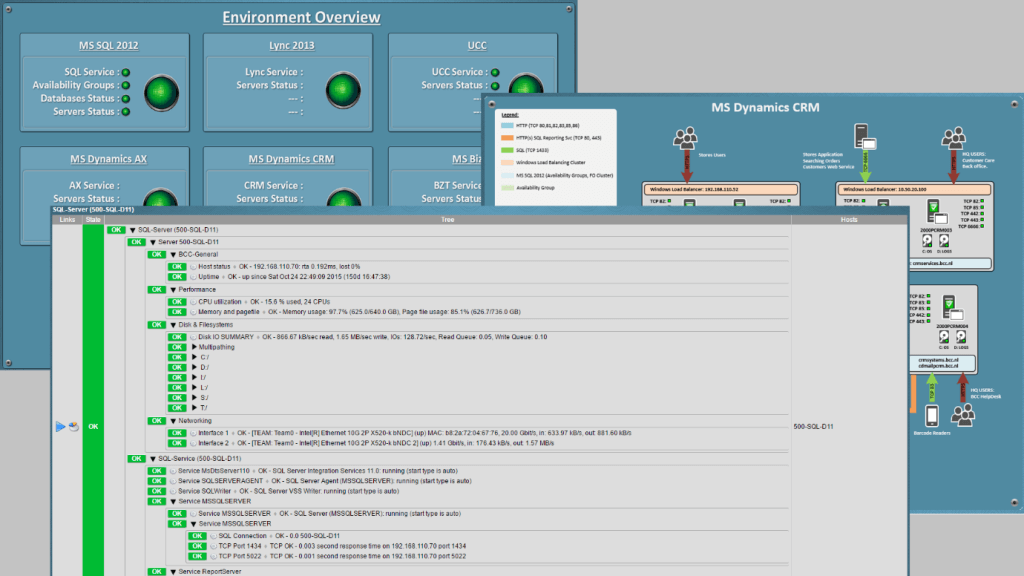
Something that keeps watch, on our behalf, over today's complex world of servers, cables and applications. Something that never sleeps and never blinks — let's call it MONITORING.
Just like NASA, good support needs its own mission control — its own Houston. This central unit is called the SERVICE DESK.
Cars practically drive themselves these days and robots are great, but good support still can't do entirely without people. SPECIALISTS who are always available and have the right expertise are the ones who determine the success and quality of support.
Amateur enthusiasm or brute-force effort isn't always a good thing, so quality support can't be "cooked up" without order and rules — properly defined PROCESSES.
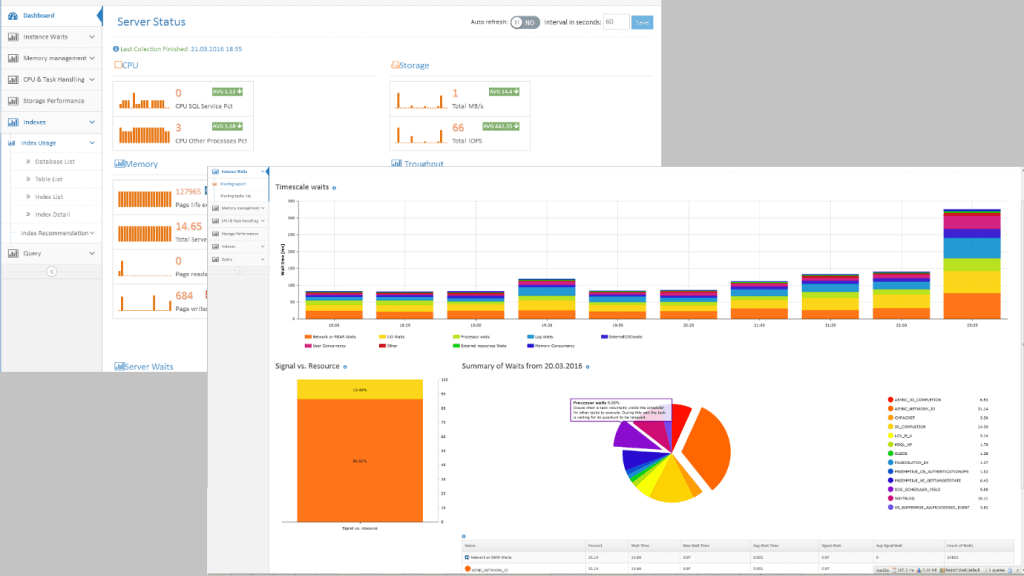
Ultimately, numbers decide success, so it's clear we'll need solid online and offline REPORTING.
Tip 1: Monitoring
You know IT monitoring — it can tell you a system isn't working. The same goes for monitoring that can tell you when some piece of hardware or a database has stopped working. But there are also tools that warn you in advance that a service is approaching a critical threshold, giving you room to react and fix things before the system actually goes down and users notice an outage. A solution that can track the duration and quality not just of "hard" technical parameters, but of entire business processes too — such as how long it takes to serve a customer at the till — adds real value.
Tip 2: Service Desk
The Service Desk is like a hotel reception desk and a command center rolled into one. It's the place where all the important information needed to keep IT support running comes together. Sitting in front of all those monitors is a dispatcher who can respond to status changes and detected problems, bring in additional specialists at the right moment, and coordinate work on more complex issues. A person in that role obviously can't do without a range of supporting tools, such as a ticketing system.
Tip 3: Specialists
Time never moves faster than during an outage that affects your customers. In that moment, there's no room for trial and error or hunting around for the cause. You need seasoned experts who know exactly "where and how", understand their craft, can coordinate with others, and won't crack under the external pressure of the moment.
Tip 4: Processes
Properly managed IT support can't do without well-tuned, correctly defined processes. Setting them up, and applying them one hundred percent every single day, takes solid management experience as well as a senior team of specialists who understand the purpose and value of the defined processes. Within support, you need to cover how requests are logged, how work is assigned, tracking SLA compliance, keeping the customer informed of progress on a fix, and a defined escalation path. "Inventing" procedures on the fly is "expensive," and during an outage it can dramatically extend resolution time — hurting your SLA and the perceived quality of the service overall.
Tip 5: Reporting
As the person responsible for the smooth running of support and the availability of business-critical applications, you clearly need a real-time view of the status of every system and the whole infrastructure. For ongoing evaluation and improvement of the support service itself, regular monthly reports and statistics come into play instead, showing SLA compliance and the sources and root causes of any recurring issues.
Just as in the culinary world, building well-run, flawless IT support takes more than just these ingredients — you'll also need considerable experience and, of course, a bit of talent.
Bon appétit, and sleep well!
To see what well-run support can look like, check out our 24/7 support page, where you can see the kind of support we provide. We'd be happy to become your support team too, so don't hesitate to get in touch.
Karel Pecl — CEO at Blue Dynamic.
5 Key Ingredients of Well-Run IT Support
Let's talk
/ Whether you know exactly what you need or just want to explore opportunities and possibilities.