Thank you! We'll get back to you within two business days.
Something went wrong. Please try again or email us at hello@bluedynamic.cz.
Business Consultants
Adriana Pricop & Štěpán Kněžek
We'll get back to you within two business days.
/
article
/
What's New in Microsoft CRM 2016
Published:
20.5.2020
CRM 2016 Puts the Focus on Customer Service
Less than a year has passed and we already have the successor to Microsoft CRM 2015. You might be wondering why so soon, and what you actually gain by moving to the Microsoft CRM solution 2016. I'll try to answer that in this short article.
Explore CRM
Focused on Customer Service
The new Microsoft CRM 2016 is the right move for your business. New features let you target your customers' needs more effectively and stay in touch with them. At the same time, the new version makes resource planning clearer and eases the workload of your customer support team.
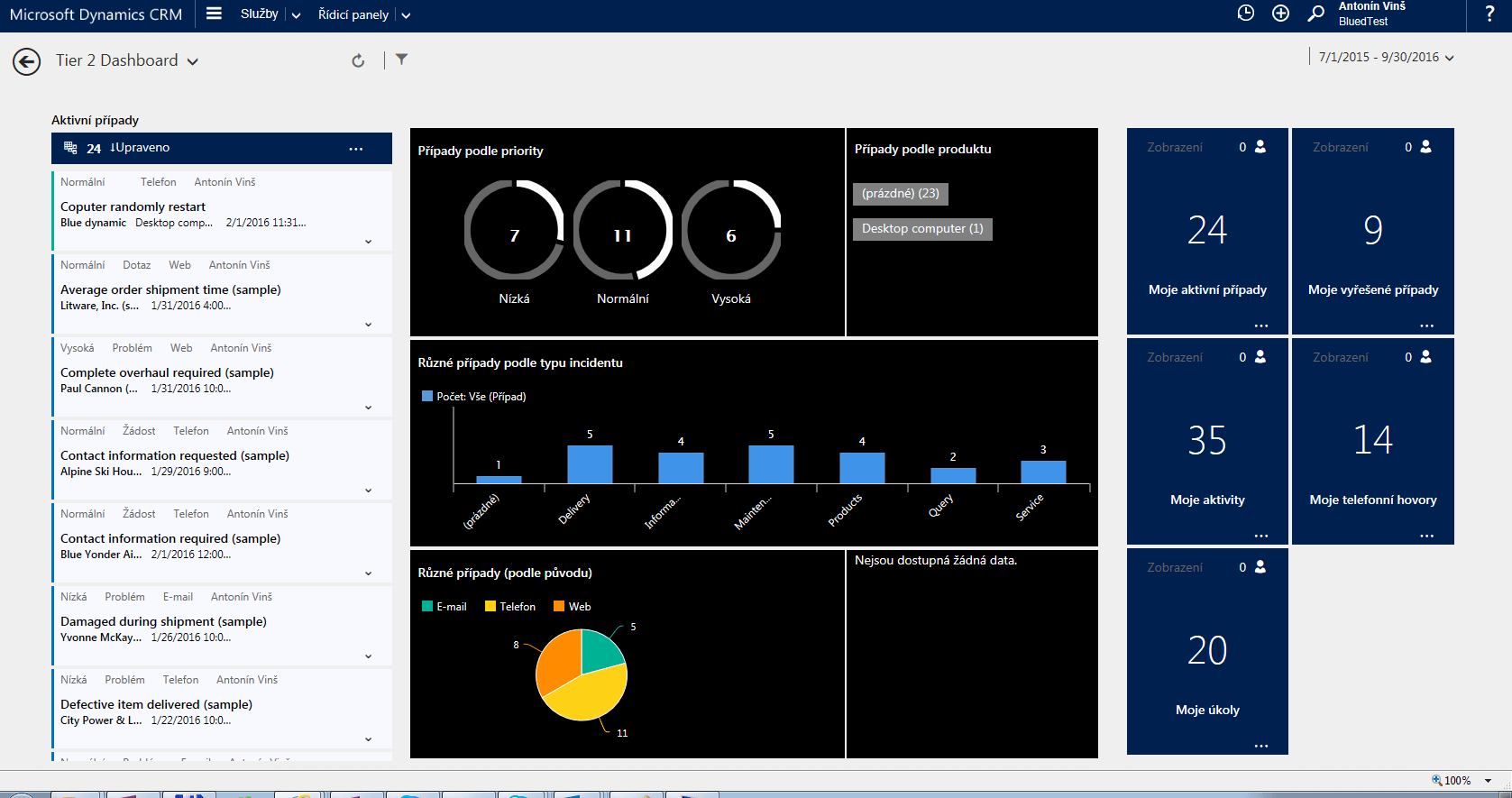
The biggest change compared to CRM 2015 is the addition of a new service interface. The whole new service interface behaves like a separate web application and runs on a different URL than CRM itself. The goal is to better separate the customer support department from sales activity, and to avoid burdening support staff with information that isn't relevant to them.
Service Hub
Gradually Closing the Gap Between the Online and On-Premise Versions
For those of you who aren't sure what the difference is between the online and on-premise versions, here's a brief summary. Note that the goal here isn't to weigh up the pros and cons.
CRM Online
A service delivered to customers
No servers or infrastructure needed — everything runs in the cloud
CRM On-Premise
The classic version of MS CRM
The application runs on your own infrastructure, giving you full control over it
Microsoft listened to customer feedback and their surprise that the previous on-premise CRM version was missing some of the nice extras from the online version. It's just a shame these improvements only arrived in version 2016 rather than being added retroactively via a 2015 update.
Here's the list:
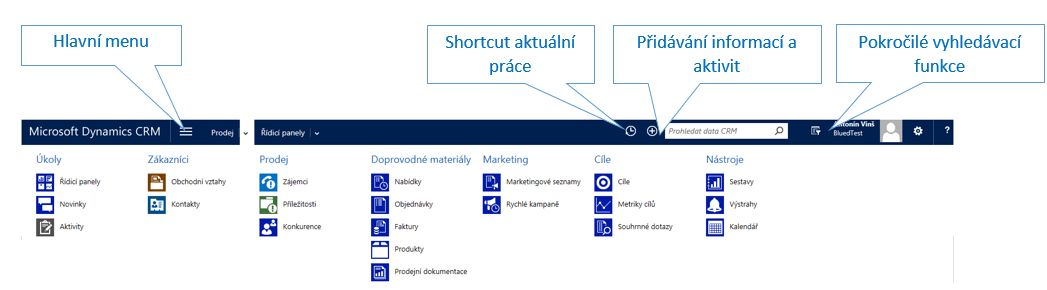
Improved menu navigation for faster switching between modules
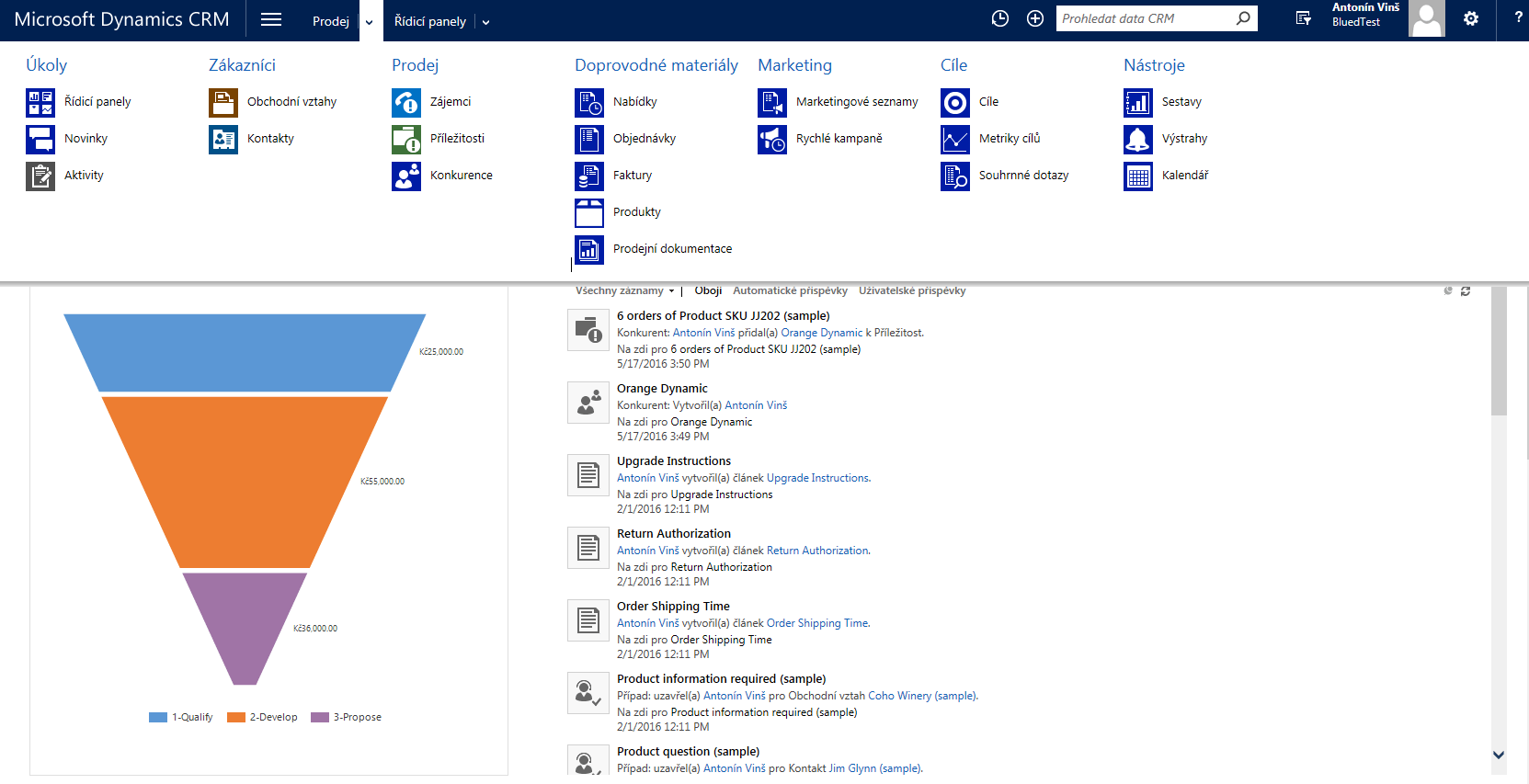
A history of recently opened records
The option to use visual themes to style your CRM
Improved Menu and History (at the Top, Next to the Search Box)
Plan Your Team's Work
Following its recent acquisition of Field One, Microsoft has added their flagship product to Microsoft CRM 2016, letting you plan your team's work in detail. The goal is to simplify and bring clarity to the planning of the resources and expertise needed to deliver a service.
How Does It All Work?
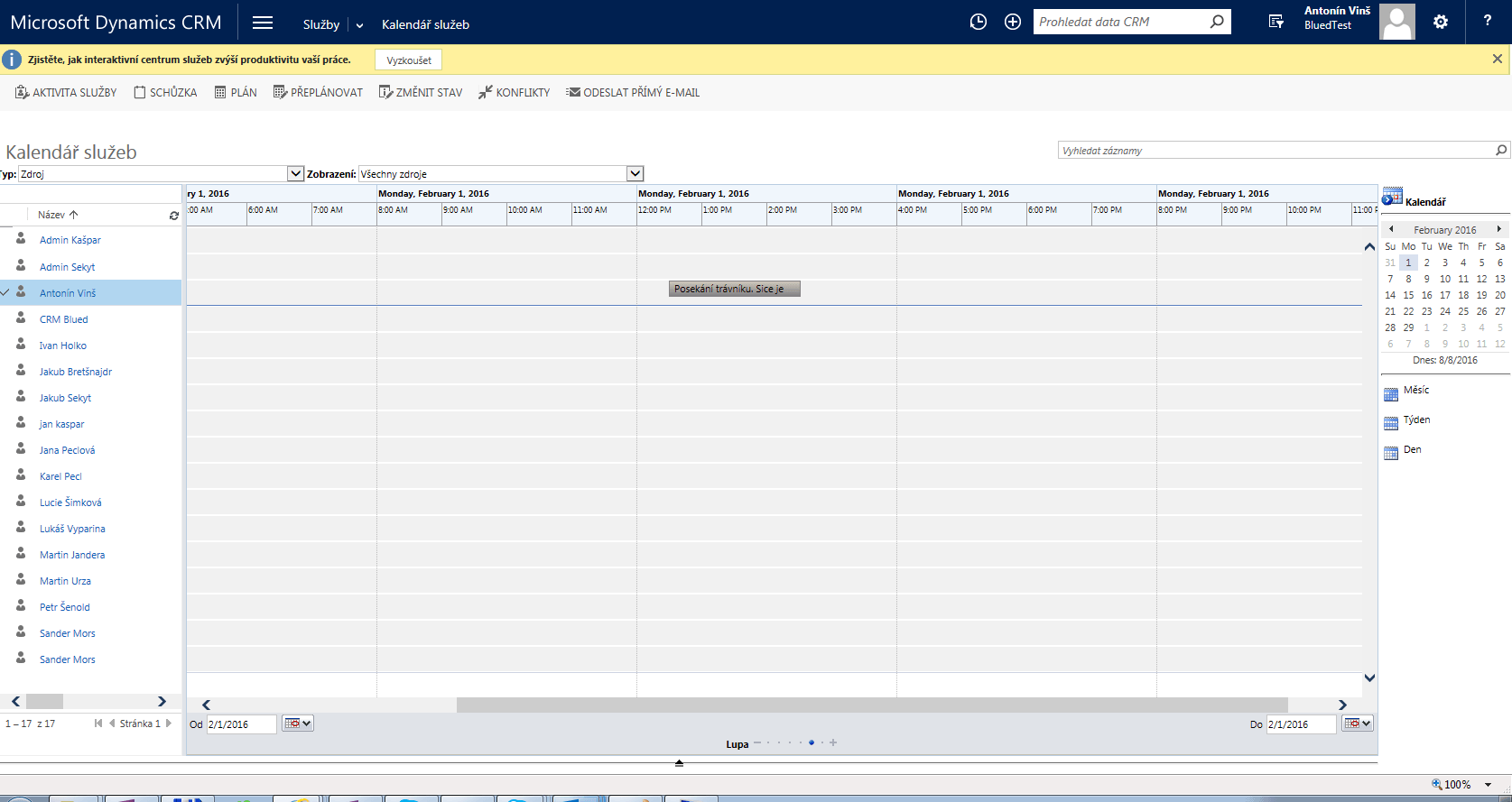
Imagine you have a team of gardeners out in the field, each equipped with a smartphone. Every team member has specific skills and capacity. One is great with a lawnmower, another is skilled at pruning trees.
With CRM you can plan their capacity and tasks, and get feedback and status updates from your team straight from the field via their mobile devices. Yes, I've simplified this a bit — Field One can obviously do a lot more.
There's no reason to be wary of moving to Microsoft CRM 2016. Those of you already using CRM 2013 or CRM 2015 will feel right at home, and will appreciate the set of improvements and new features.
Service Calendar
Ask Your Customers for Their Opinions and Learn More About Them
Something you may already be familiar with from third-party modules built for Microsoft CRM — such as the Click Dimensions marketing module — is gradually making its way into Microsoft's core version. Not in as sophisticated a form, of course.
Starting with CRM 2016 Online, you can create surveys that are sent out to your customers — essentially a way of gathering feedback from them.
Here's a Quick Example:
Your customer orders goods from your online store. The goods are delivered, and CRM — integrated with logistics — picks up on that fact. An automated process sends your customer a pre-built survey asking how satisfied they were with their purchase. What follows can be your staff processing the collected data, or an automated process that flags an unhappy customer to your customer contact center.
The goal is to gather information from your customers, understand their needs and how they feel, and use that information to retain them and better target their needs.
One caveat here — for this to work you need a Microsoft Azure license, since that's where the surveys are physically hosted.
Finally, for those of you interested in a more sophisticated solution, here's a link to Click Dimensions.
CRM Mobile Now Works Offline Too, Plus Outlook and New Excel/Word Templates
CRM 2016 comes with a new version of the mobile app, and if you have a CRM Online plan with at least 30 users or a PRO license, you can use hybrid mode, where you don't necessarily need to be online — data is synced later instead.
Users of the CRM online version can also take advantage of a new lightweight CRM app integrated into various versions of Outlook. This shows up nicely in the Office 365 web interface, where you can work with your CRM directly. It's a genuinely useful feature for anyone who's used to working in the Outlook web interface.
Templates
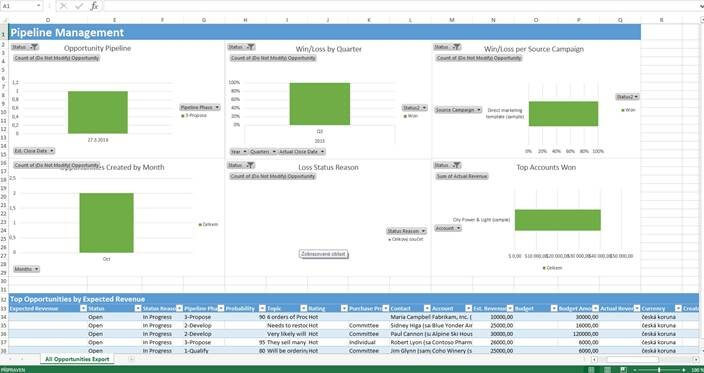
Microsoft has also added new templates and template management directly within CRM. This makes working with and creating templates far more transparent. In my view, it's a useful tool that lets you build reports and share them with others in the familiar Office environment.